






AR Draw Sketch: Trace & Sketch
 |
Latest Version | 4.0 |
 |
Update | Jun,17/2026 |
 |
Developer | Jake Video |
 |
OS | Android 5.0+ |
 |
Category | Art & Design |
 |
Size | 17.9 MB |
 |
Google PlayStore |  |
| Tags: | Art & Design |
-
Latest Version
4.0
-
Update
Jun,17/2026
-
Developer
Jake Video
-
OS
Android 5.0+
-
Category
Art & Design
-
Size
17.9 MB
-
Google PlayStore


 Download(4.0)
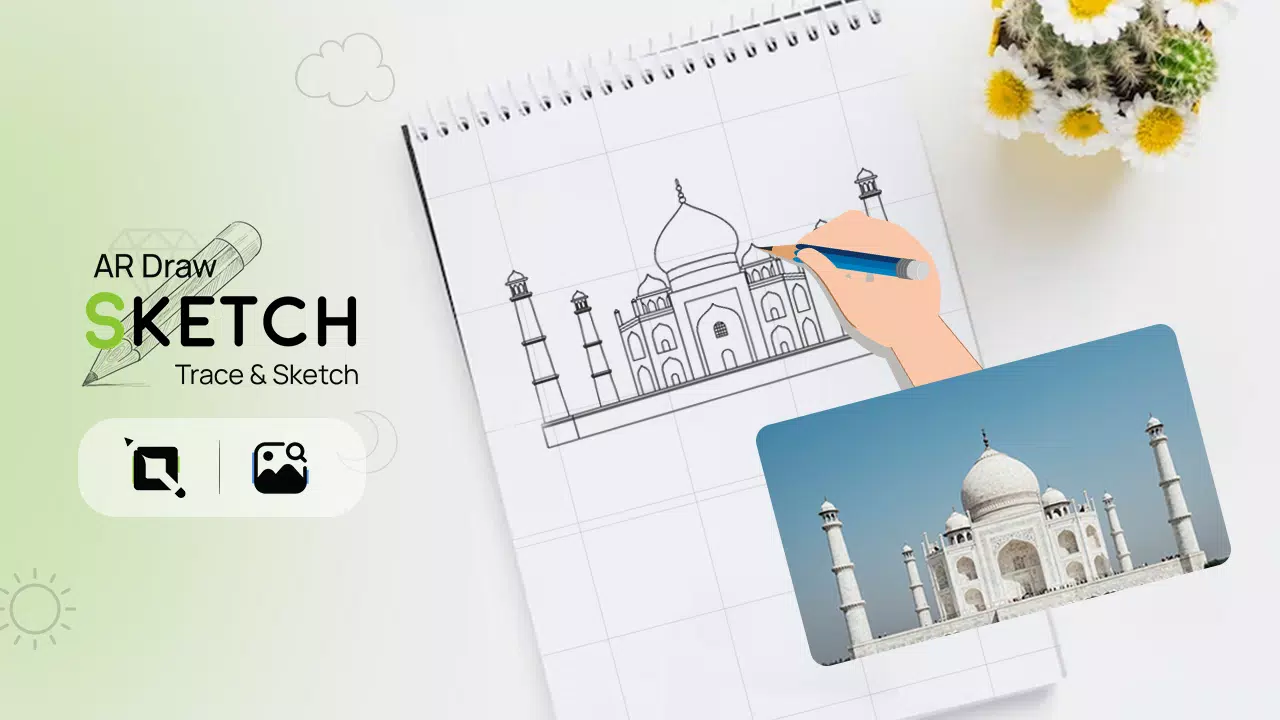
Trace any image on paper using augmented reality with the AR Draw Sketch Trace & Sketch app.
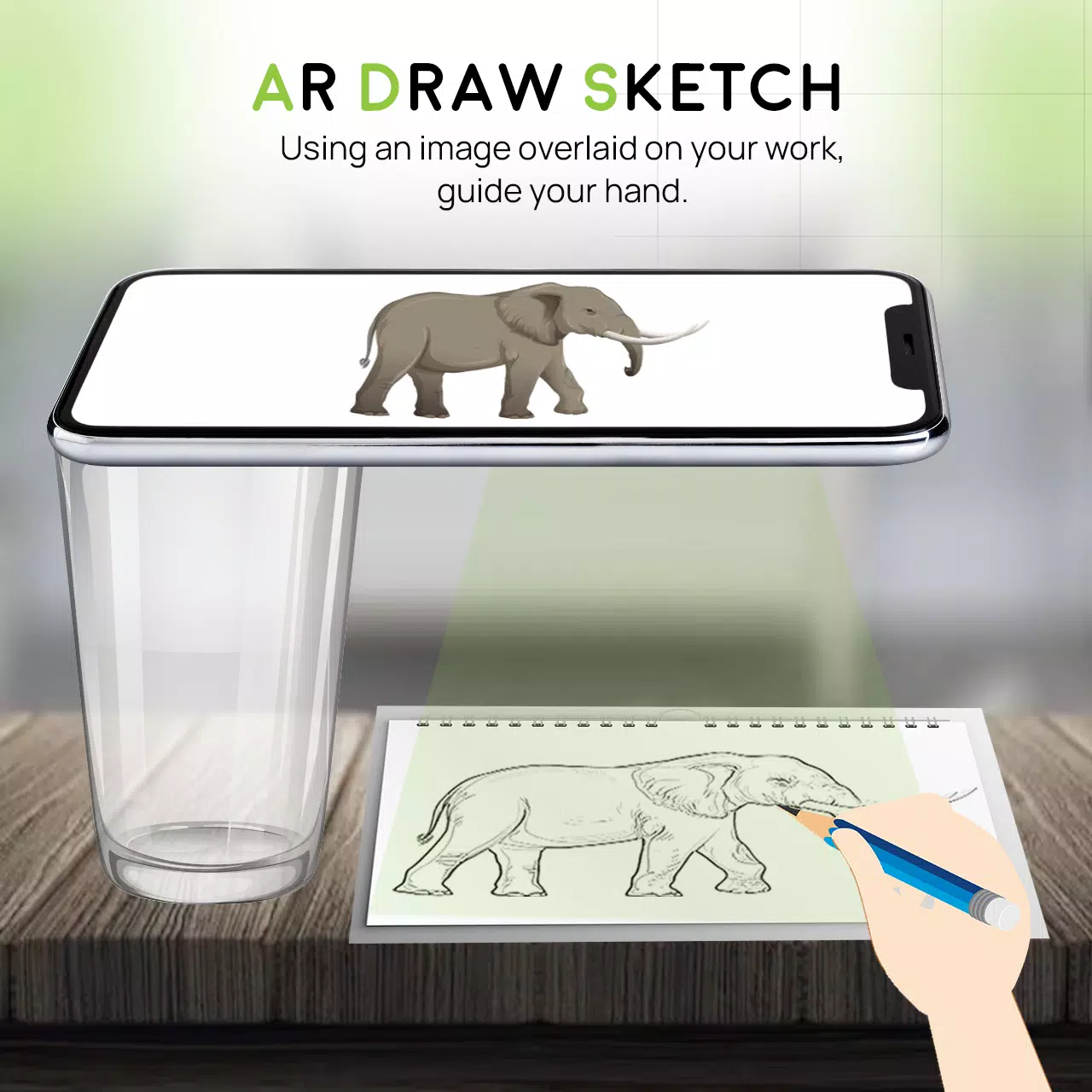
Unleash your creativity with the AR Draw Sketch Trace & Sketch app. This application effortlessly converts any image into beautiful sketch art. Simply trace over your chosen photo and watch as it becomes a hand-drawn masterpiece. Learn and practice drawing with the AR Draw Sketch Trace & Sketch app. Tracing becomes easy: choose an image from the gallery or camera, apply a filter, and see it overlaid on your camera screen. Hold your phone above the paper and draw while viewing the image through your device.
Why do we trace?
- Tracing transforms photos or artwork into line drawings. Place tracing paper over the image and follow the visible lines—sketch and trace with ease.
- This tool helps you learn drawing and tracing techniques.
How does it work?
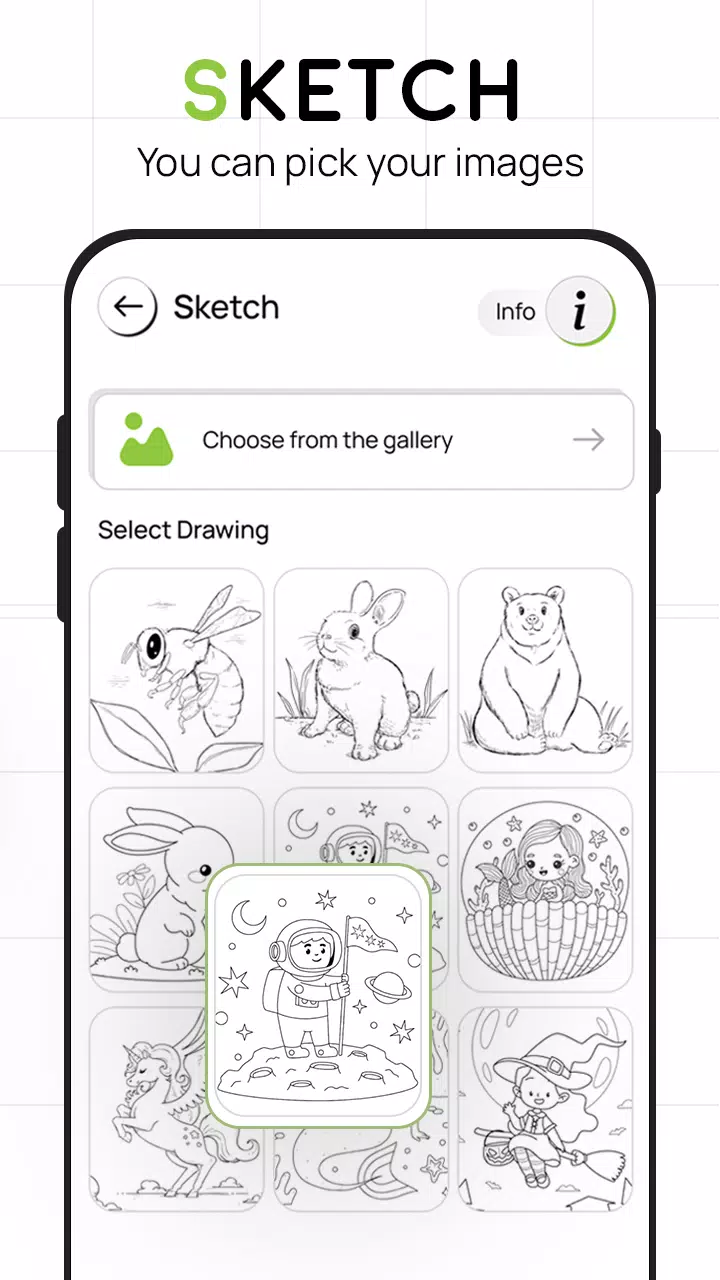
- Pick an image from the app gallery or capture a new one with your camera.
- A transparent version of your image appears on the camera screen. Position your drawing paper or sketchbook where you want to trace.
- Draw on paper while following the overlaid image on your phone.
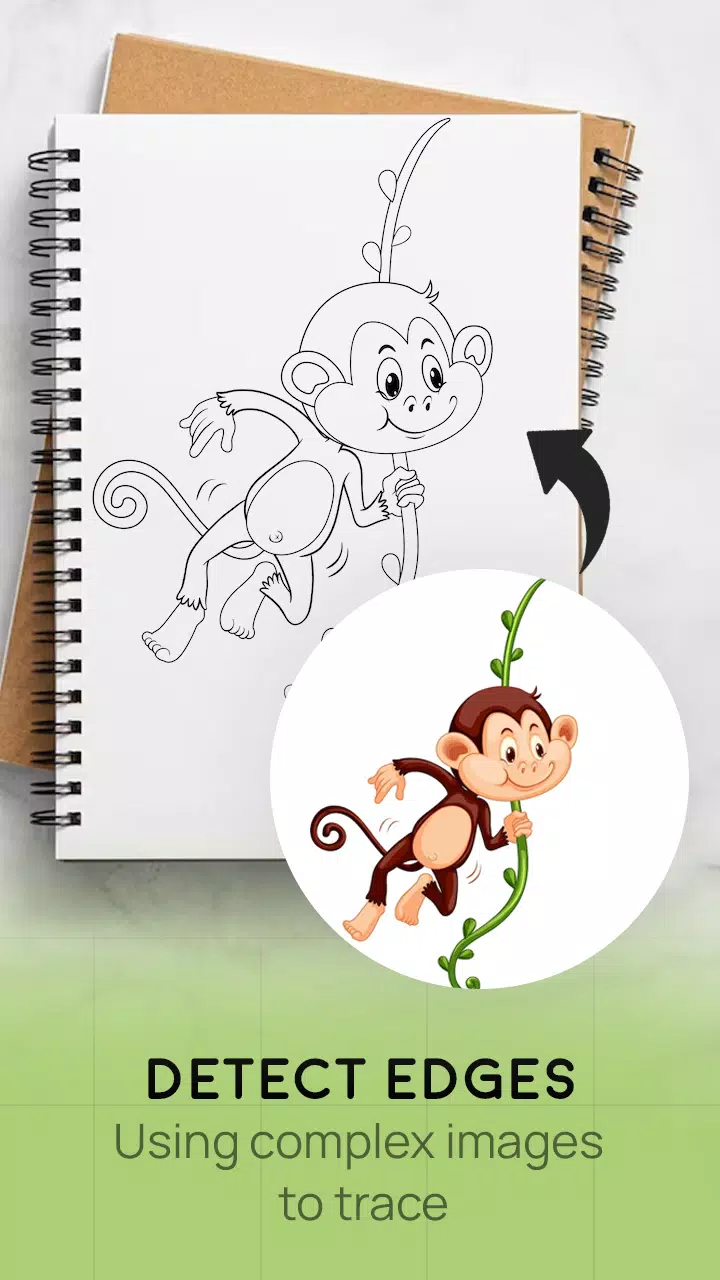
- Convert any picture into a traceable outline instantly.
FEATURES
- Smart drawing tools to easily enhance your artwork
- Simple and intuitive sketching for any subject
- Trace images using your camera or choose from the app’s collection
- Draw on paper while viewing a transparent overlay through your phone’s camera
- Select sample images to practice drawing in your sketchbook
- Import gallery photos as traceable outlines and sketch on blank paper
- Easy art creation and learning with user-friendly tools
- Attractive and clean user interface
What's New in the Latest Version 4.0
Last updated on Aug 24, 2023
Minor bug fixes and improvements. Install or update to the latest version to explore new features!