





Esport Logo Maker -Logo Maker
 |
Latest Version | 1.0.20 |
 |
Update | Jun,20/2026 |
 |
Developer | Millionaire Appx |
 |
OS | Android 4.4+ |
 |
Category | Art & Design |
 |
Size | 25.1 MB |
 |
Google PlayStore |  |
| Tags: | Art & Design |
-
Latest Version
1.0.20
-
Update
Jun,20/2026
-
Developer
Millionaire Appx
-
OS
Android 4.4+
-
Category
Art & Design
-
Size
25.1 MB
-
Google PlayStore


 Download(1.0.20)
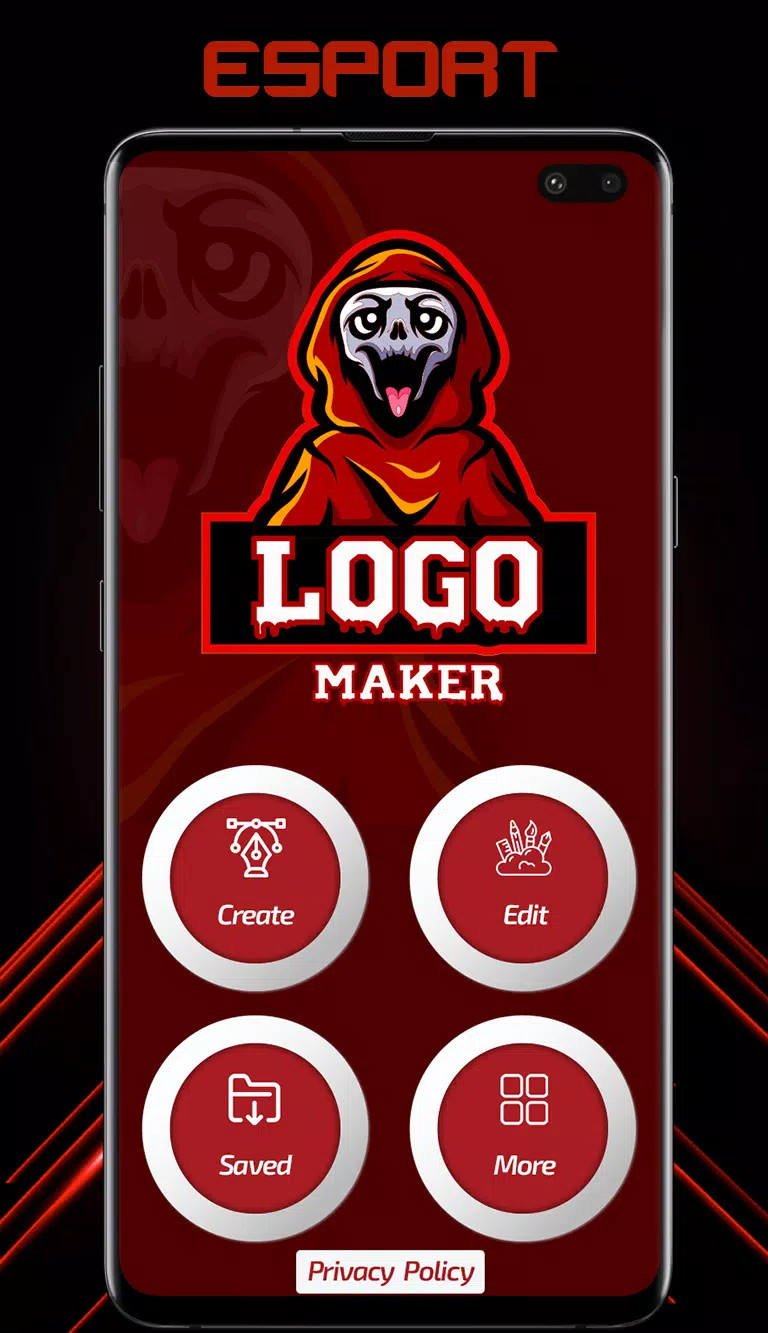
Logo Maker is fully equipped with gaming logos to help you create esports logos.
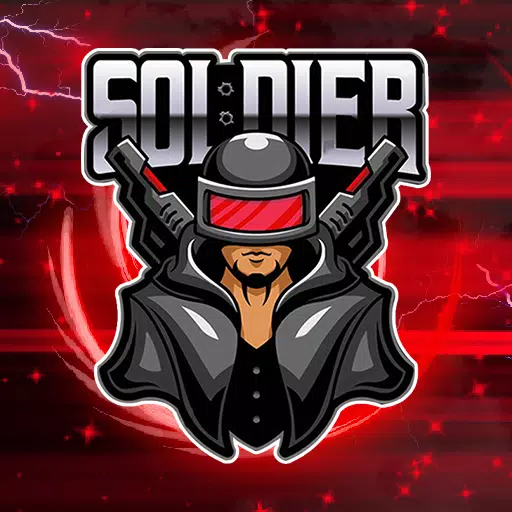
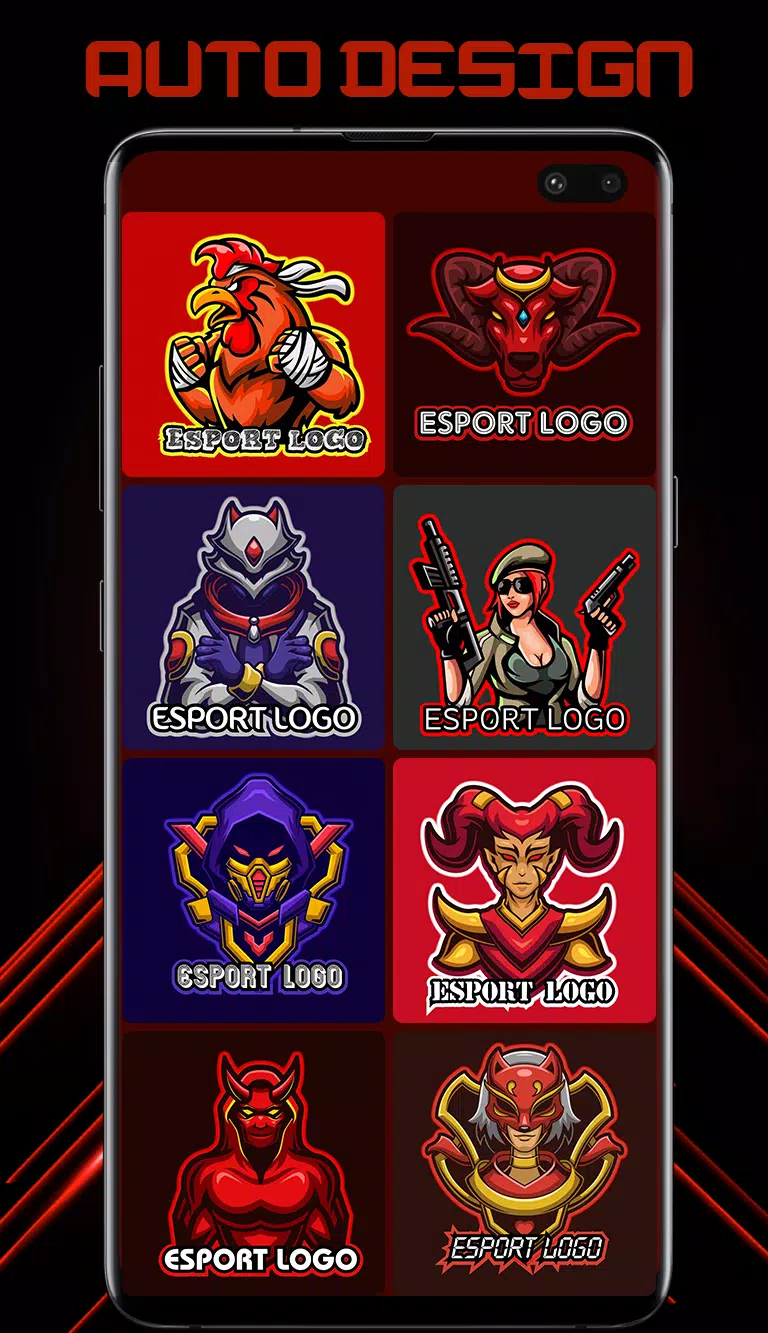
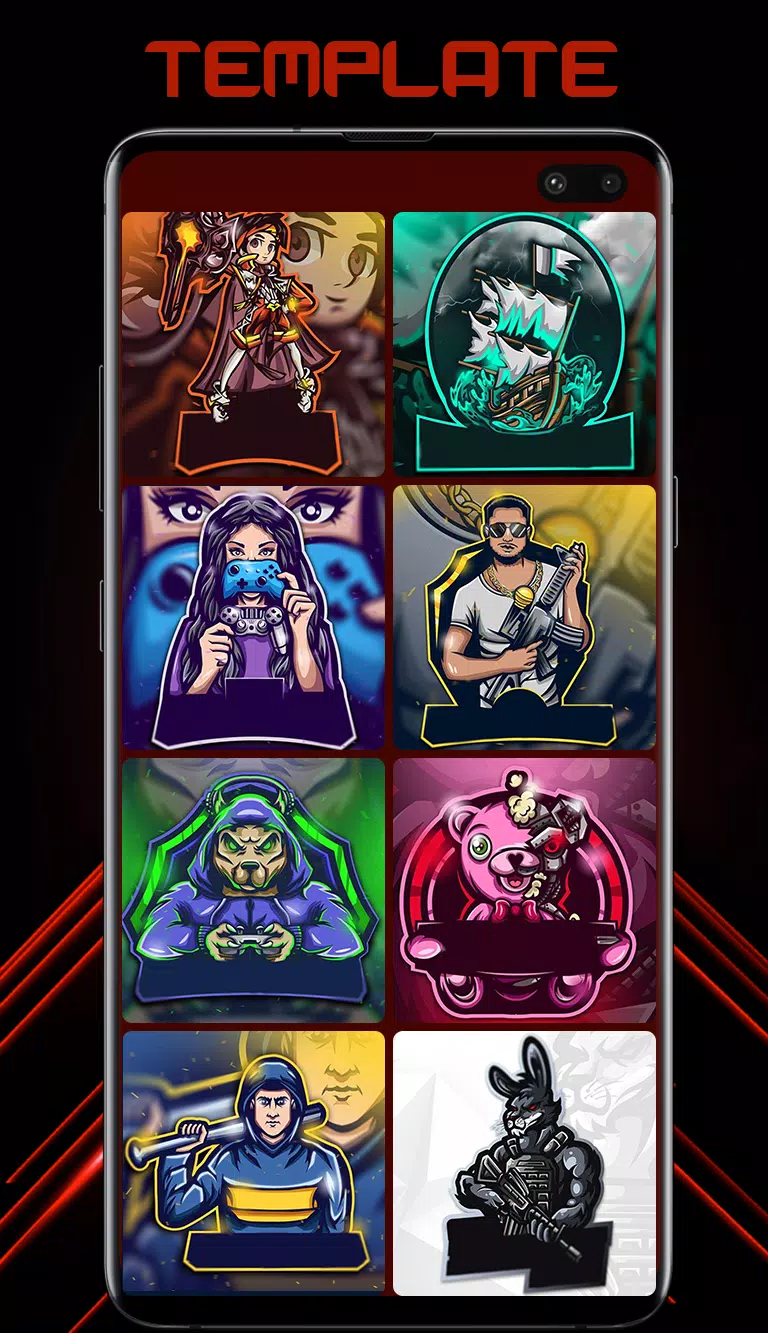
Esport Logo Maker is the top logo designer app for crafting professional, unique, and striking logos for your gaming team. It is specifically tailored for gaming teams and gaming-style logos. This app is incredibly user-friendly, allowing you to design a logo in seconds. Logo design couldn't be easier. Simply browse through 300+ customizable logo templates designed by professionals. Then, personalize your chosen design using over 250 fonts and background design resources. There is a wide variety of icons, avatars, and mascots available for logo creation. Select from 300+ ready-to-use logo templates featuring themes like soldier, animal, samurai, ninja, assassin, gamer, archer, and skull mascot. Save and share your logos as high-resolution Transparent PNG files or with custom backgrounds.
Key Features of Esport Logo Maker:
- 300+ customizable logo templates: Explore a diverse collection of beautiful gaming logo designs, ranging from simple layouts to intricate compositions. Every element in each design is fully adjustable, enabling you to produce unique, fully personalized logos in just minutes.
- Easy editing: Utilize simple and fast text editing tools to adjust text size, spacing, and colors.
- Esport Logo Maker recommends the best colors for each logo.
- 100+ stylish and professionally designed gaming fonts for your team name.
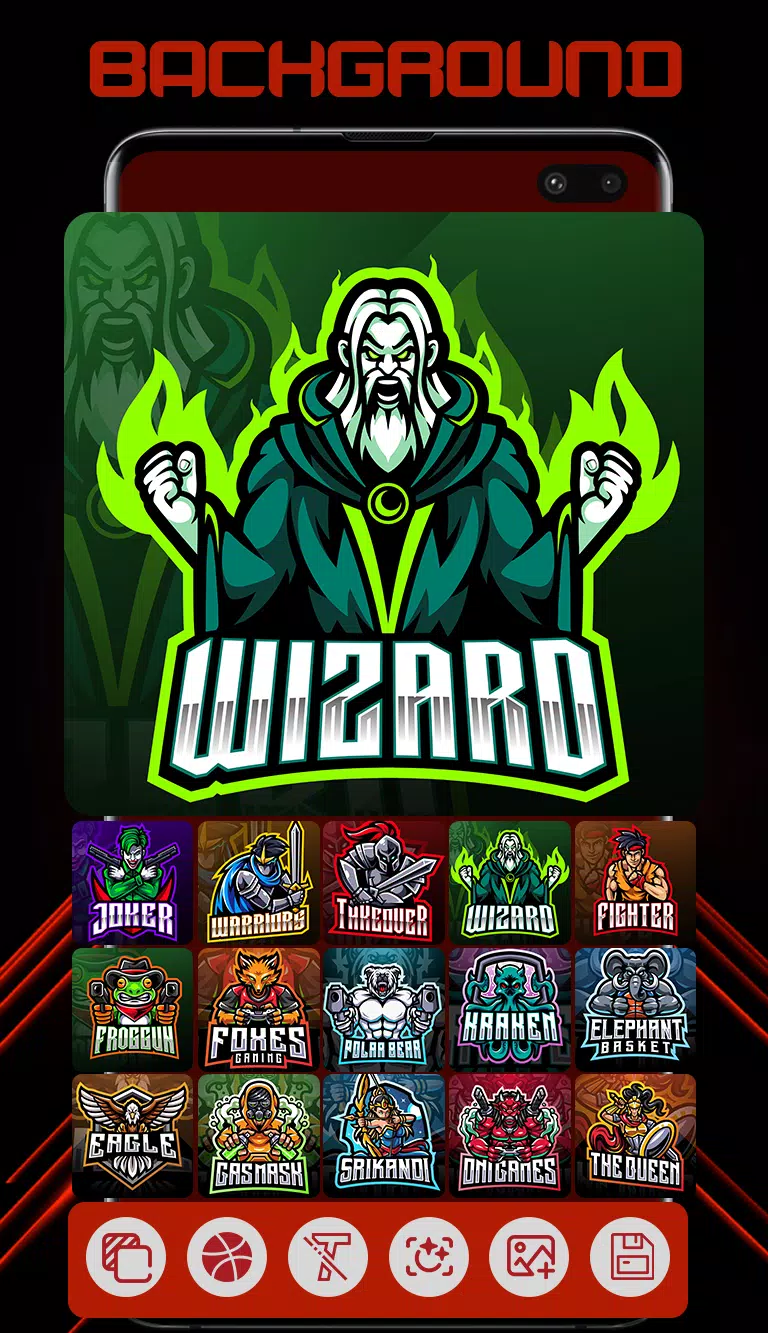
- Choose your background: Many beautiful backgrounds, specially created for logos, are available. Pick the best background to complement your logo, or select your favorite solid color as a backdrop.
Follow these steps to create an outstanding logo for your team.
1. Enter your logo name and proceed.
2. Esport Logo Maker will then present you with 300+ ready-to-use logos featuring your logo name.
3. Choose a template that suits your style.
4. Customize further by changing the text, font, color, size, stroke, outline, and background.
5. Your logo is now complete. Save and share it as a Transparent PNG or with a background.