






Resprite
 |
Latest Version | 1.7.2 |
 |
Update | Dec,04/2025 |
 |
Developer | Fengeon |
 |
OS | Android 5.0+ |
 |
Category | Art & Design |
 |
Size | 18.6 MB |
 |
Google PlayStore |  |
| Tags: | Art & Design |
-
Latest Version
1.7.2
-
Update
Dec,04/2025
-
Developer
Fengeon
-
OS
Android 5.0+
-
Category
Art & Design
-
Size
18.6 MB
-
Google PlayStore




 Download(1.7.2)
Resprite is a powerful pixel art and animation editor designed for mobile game development.
Resprite is a professional pixel art and sprite animation editor.
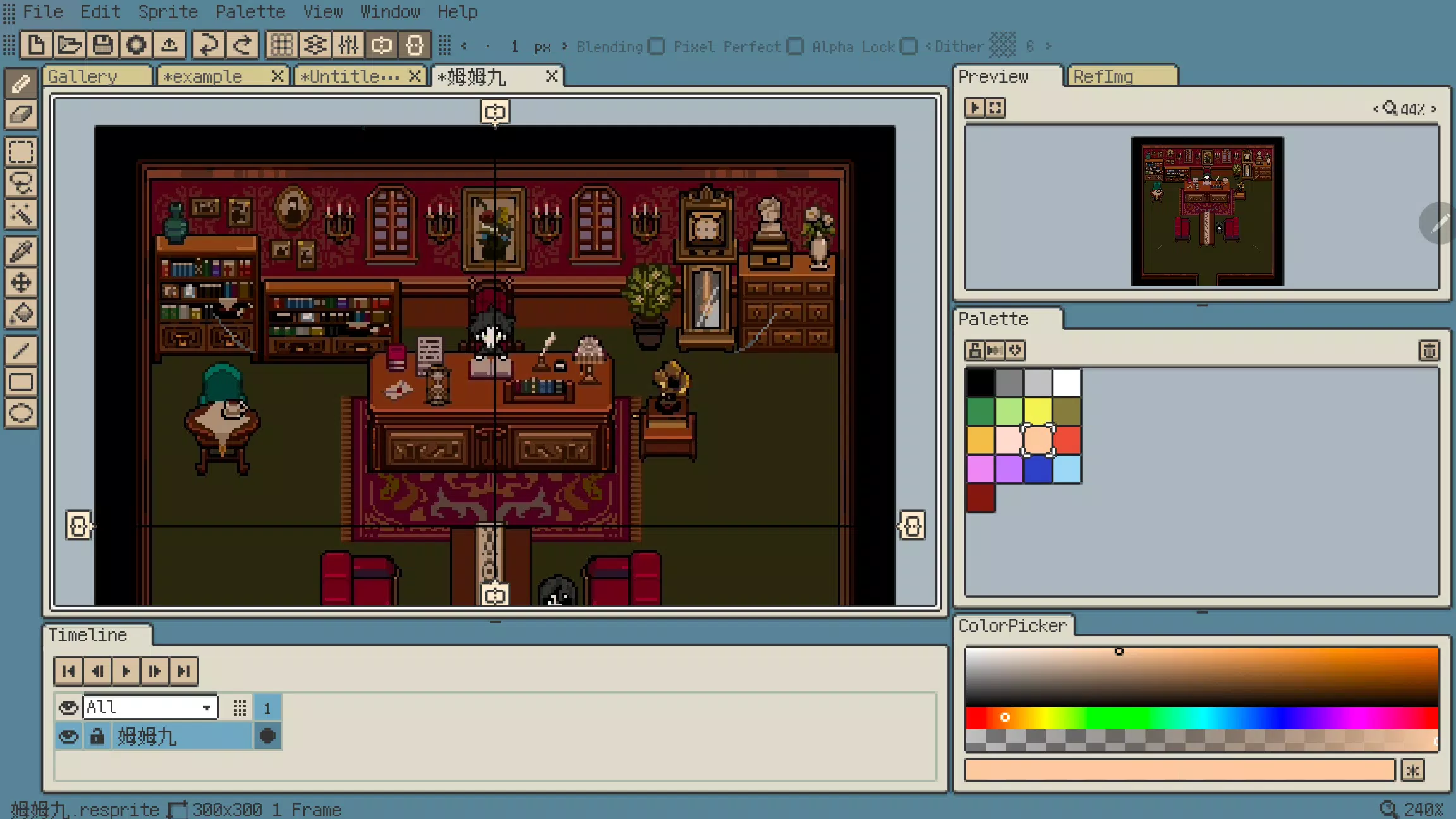
This robust tool is tailored for mobile devices, empowering creators to produce professional-grade pixel sprite artwork. It combines a comprehensive feature set comparable to desktop software with innovative optimizations for touch and stylus input, enabling seamless creation anywhere.
Resprite offers a complete suite of pixel art tools, an advanced layer and timeline system, and a high-performance Vulkan-based rendering engine. Create stunning pixel art, detailed spritesheets, engaging GIF animations, and high-quality game assets with ease.
Whether you're relaxing on the sofa, camping outdoors, enjoying the beach, or waiting at the airport, Resprite transforms your mobile device into a portable pixel art studio.
Resprite includes:
Features:
* High-performance drawing engine
* Low power consumption for extended creation sessions
* Innovative palette and color tools
* Complete dithering pattern support
* Flexible interface layout with quick access
* Precision-optimized gesture and pen controls
* Comprehensive undo and redo functionality
* Customizable color themes
Extremely flexible interface layout:
* Fully customizable interface arrangement
* Convenient floating windows
* Reduced pen-to-destination distance for better efficiency
* Authentic pixel-style interface design
Comprehensive toolset:
* Multiple brushes, selection tools, color picker, fill tool, shape tools with extensive options
* Pixel perfect, Alpha lock, and Dithering features
* Position tools anywhere for instant access
* Copy, paste (across files), flip, rotate, and scale functions
* Canvas and image transformation tools
Innovative palette system:
* Free-form color arrangement
* Color interpolation for smooth transitions
* Palette import and export capabilities
* Automatic color extraction from artwork
Import and share:
* Export spritesheets, GIF/APNG animations, and Resprite packages
* Customizable export settings including scale, margins, and arrangement
* Export individual animation clips or entire rows
* Import and export palette files in GPL and RPL formats
Advanced layers and timeline:
* Full-featured layer system for flexible creation
* Copy, merge, flatten, and static layer operations
* Multiple animation clips with selection options
* Smooth performance handling hundreds of animation frames
* Color labels, multi-level grouping, and layer transparency
* Clipping masks and blend modes
Quick gesture controls:
* Two-finger tap for undo/redo
* Single-finger gestures for frame navigation and playback
* Long-press gestures
* Customizable gesture assignments
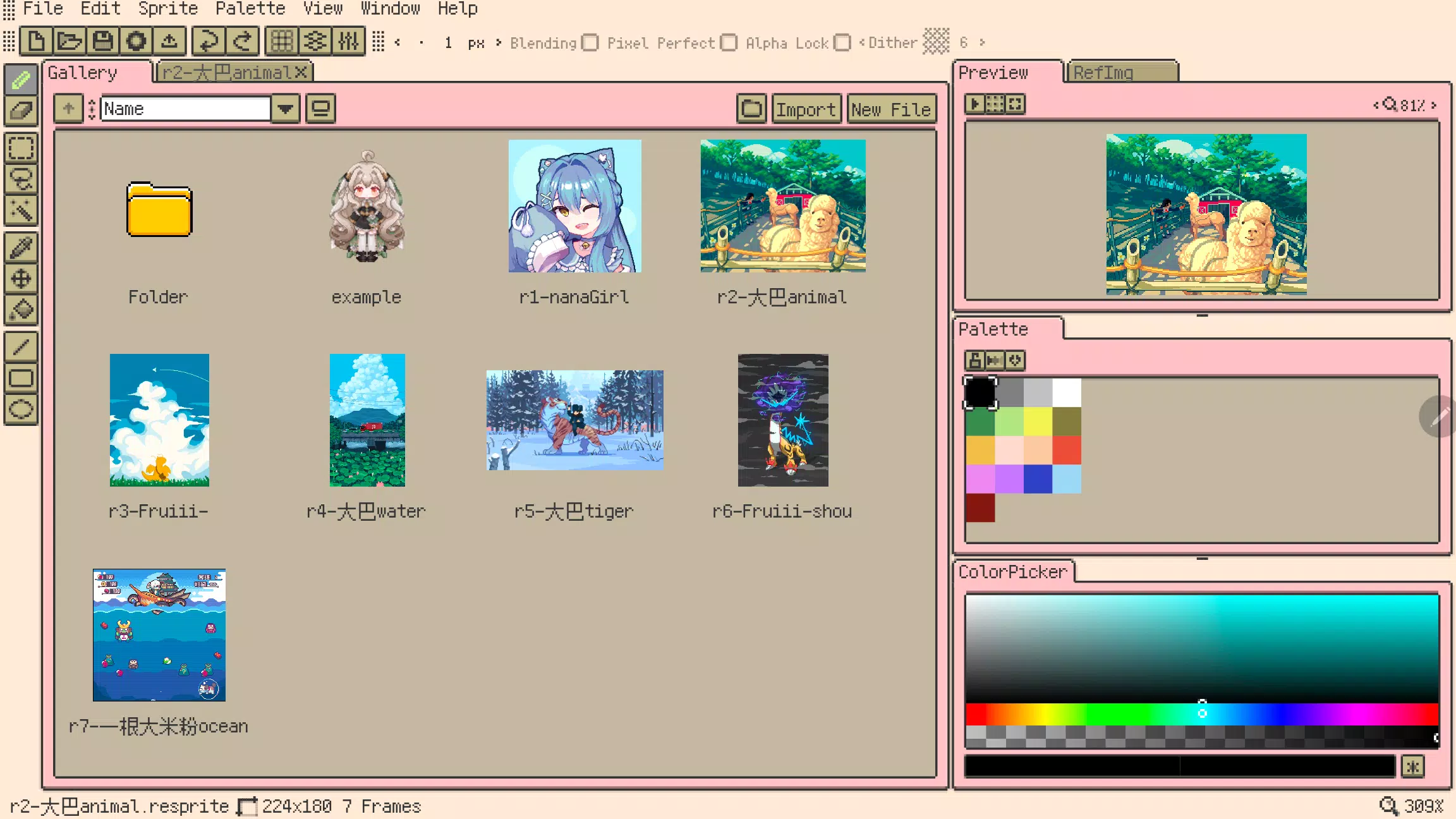
Featured artwork by:
史大巴,斯尔娜娜,Fruiii-,一根大米粉,川越,姆姆九
Premium plan:
Upgrade to Resprite Premium to remove export limits and unlock all advanced features.
Support:
Documentation: https://resprite.fengeon.com/
Email: [email protected]
Agreement and Privacy Policy:
By using this application, you agree to our User Agreement https://resprite.fengeon.com/tos and Privacy Policy https://resprite.fengeon.com/privacy, including subsequent versions.
What's New in Version 1.7.2
Last updated on Nov 5, 2024
- New: Hover tooltips
- New: GIF image import support
- New: Color picker from reference images (long press, right click, color picker tool)
- New: Secondary color picker (color history, hue shifting)
- Improved: Pinch-to-zoom for preview images
- Improved: Pinch-to-zoom for reference images
- Improved: Configurable maximum brush size
- Improved: Tap menu bar again to close
- Fixed: Incorrect export results for partial selections