






Docuslice

 |
最新バージョン | 2.1 |
 |
アップデート | Jun,27/2026 |
 |
開発者 | Xystemize |
 |
OS | Android 5.0+ |
 |
カテゴリー | アートデザイン |
 |
サイズ | 50.6 MB |
 |
Google PlayStore |  |
| タグ: | アート&デザイン |
-
最新バージョン
2.1
-
アップデート
Jun,27/2026
-
開発者
Xystemize
-
OS
Android 5.0+
-
カテゴリー
アートデザイン
-
サイズ
50.6 MB
-
Google PlayStore




 ダウンロード(2.1)
Create giant posters directly from your phone. Design and print block posters in just a few taps!
Looking to produce large-scale posters, banners, or wall art without expensive printing equipment?
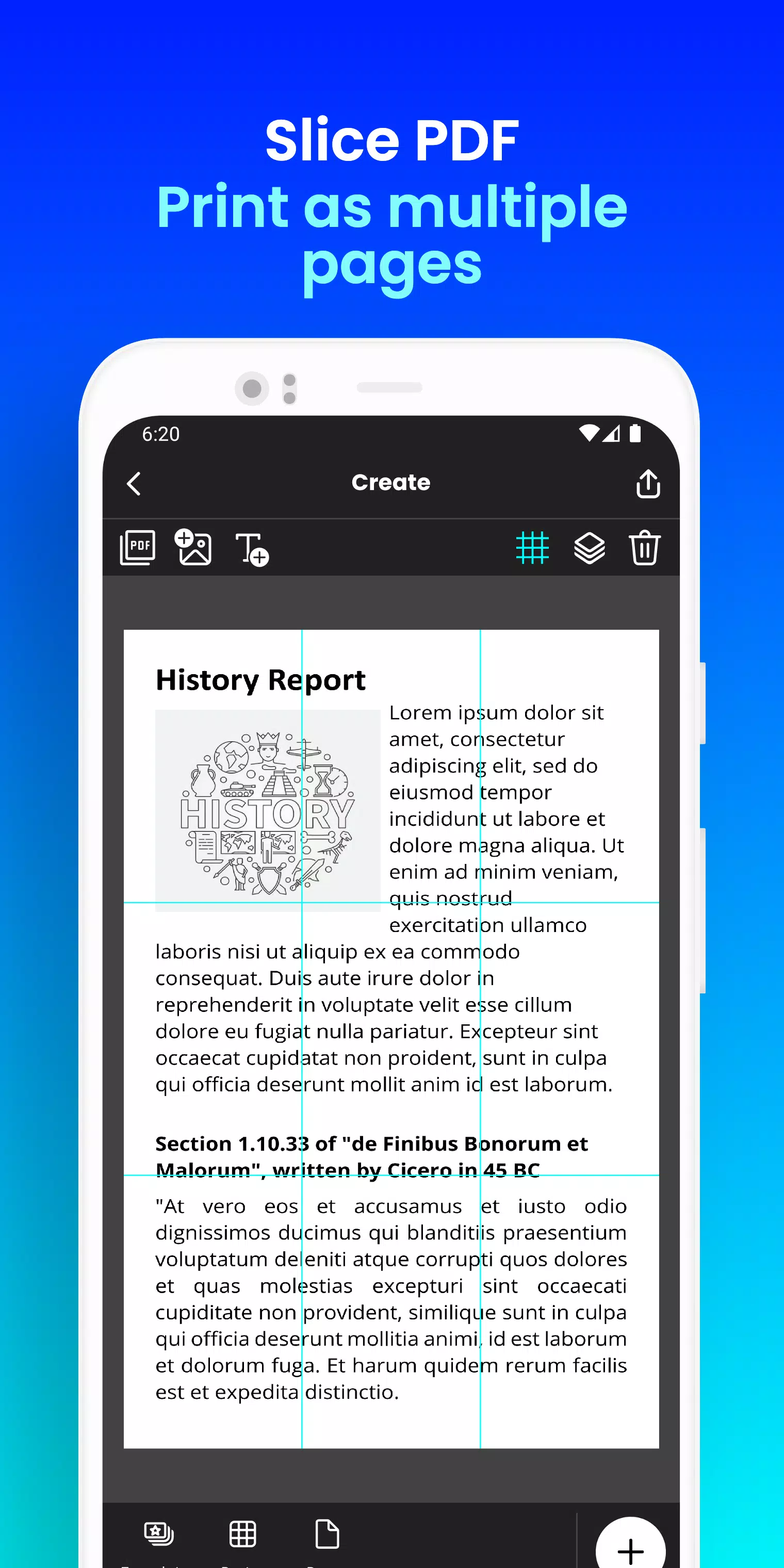
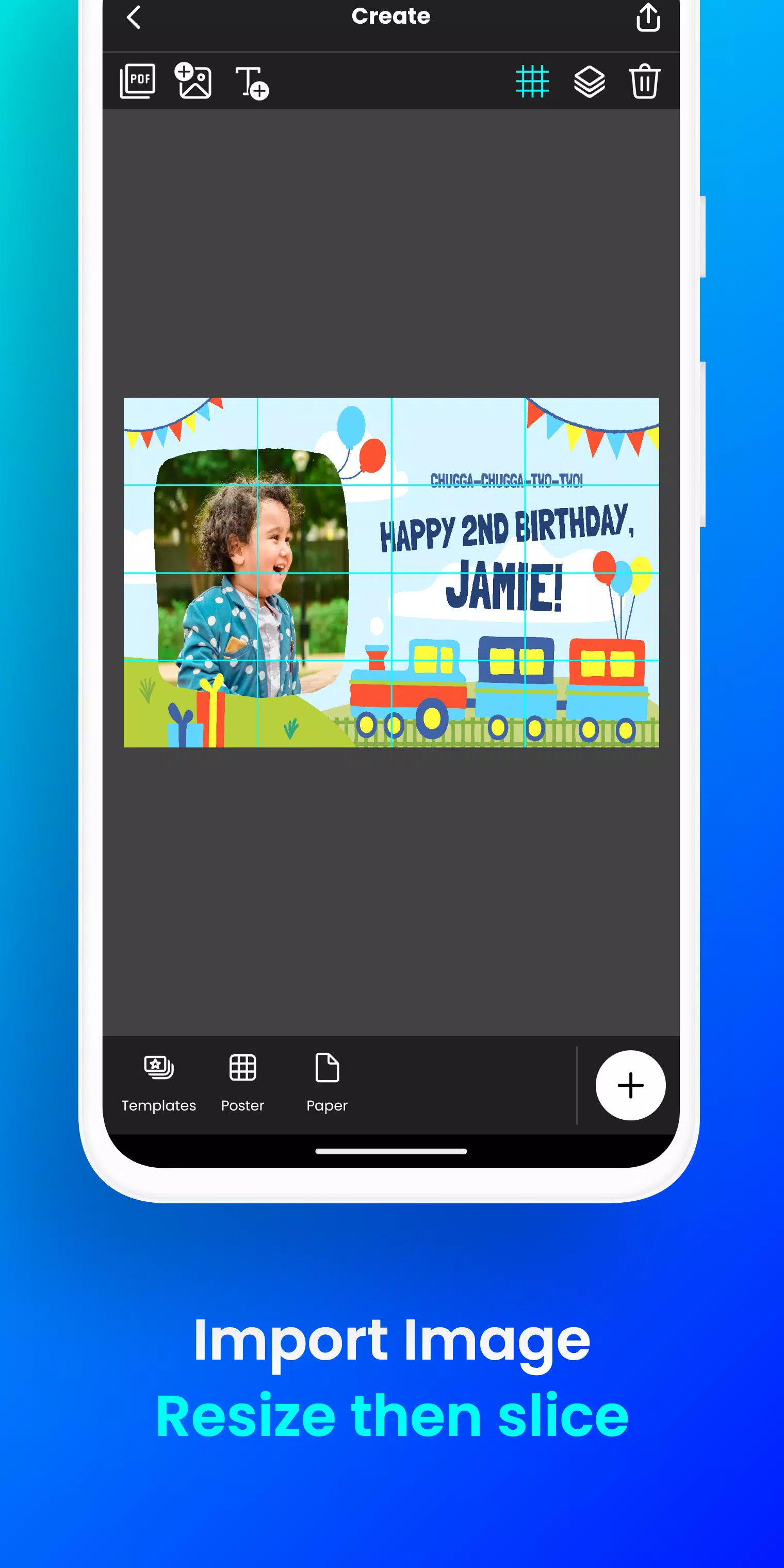
Docuslice transforms any image or PDF into an impressive, multi-page creation using your standard home printer! Tiled printing has never been simpler!
Here’s how it works:
- - Import your image or PDF file.
- - Customize it effortlessly: Resize and include text with ease.
- - Docuslice intelligently divides your design into printable sections.
- - Print the sections on any paper size and piece them together to form a giant poster!
Perfect for:
- - Attention-grabbing event posters (birthdays, holidays, and more)
- - Educational materials, decorations, and school posters
- - Distinctive wall art for your home or workspace
- - Impactful campaign posters
- - Large banners for various events
- - Activism and awareness posters
Docuslice offers:
- - FREE download and usage!
- - A very intuitive and user-friendly interface.
- - Compatibility with any image or PDF format.
- - Reduced printing expenses.
- - An eco-friendly solution that eliminates the need for large-format printers!
Ready to unlock your creativity and print large posters effortlessly? Download Docuslice now!
What's New in the Latest Version 2.1
Last updated on Nov 9, 2024
- - Enhanced authentication process using OTP, replacing password-based login.
- - Introduced a new paper size (A3+ / Super B)
- - Added scissor markings as cutting guides, with the option to toggle their visibility in the export preview.
- - Now compatible with both phones and tablets!
- - This release includes multiple bug fixes and focuses on improving overall app stability and performance.
- - We value your feedback and support in enhancing the app.
コメントを投稿する
コメント(*)